 Scanned Maker
Scanned Maker makes your PDFs look scanned online
Free browser-based PDF scanner · PDF · DOCX · JPG · PNG · Excel · TXT
Transform contracts, receipts, coursework and more into believable scanned PDFs in seconds. Scanned Maker runs 100% in your browser, keeping every file private while exposing rich HTML copy for search engines.
Upload immediately using the form on the right or jump to the embedded scanner below. No redirects, no uploads to remote servers.
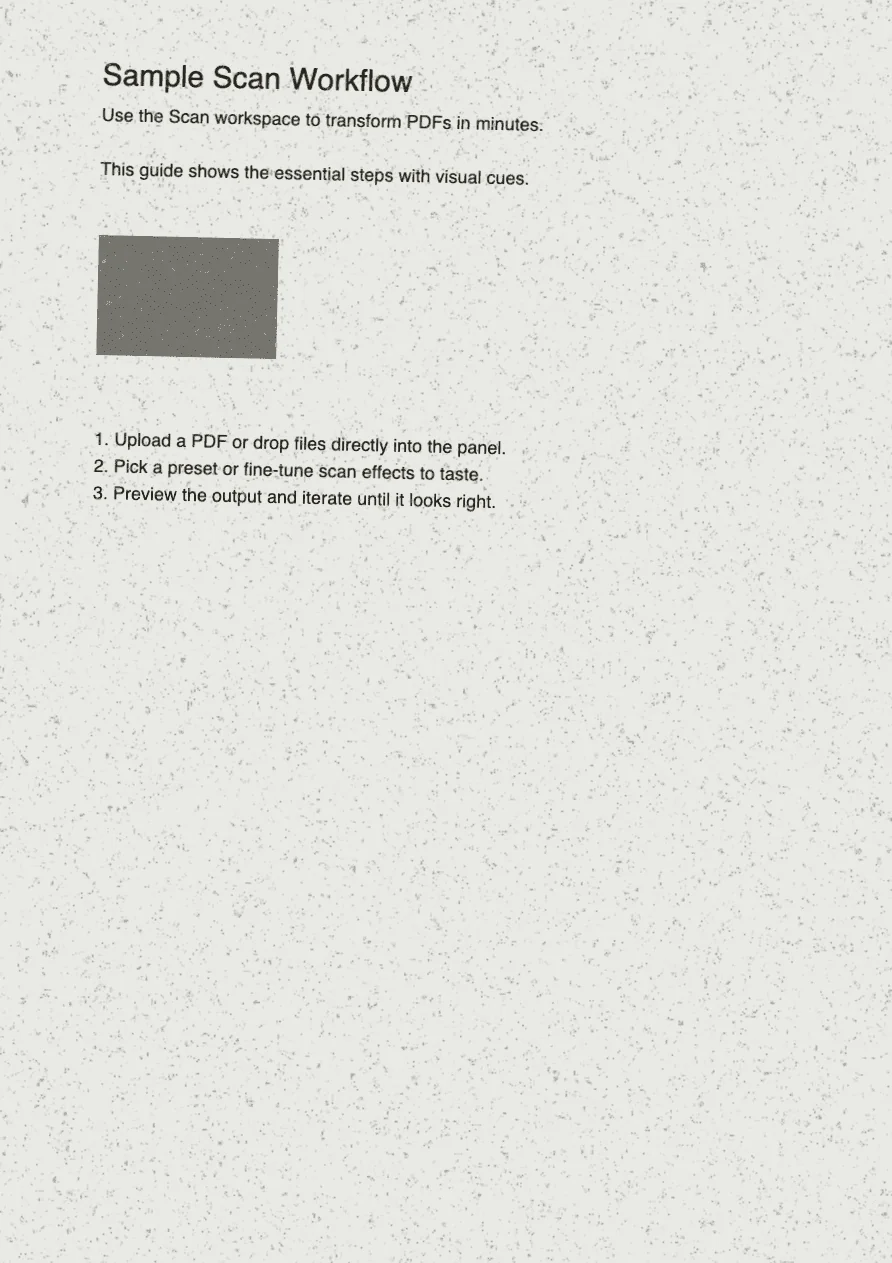
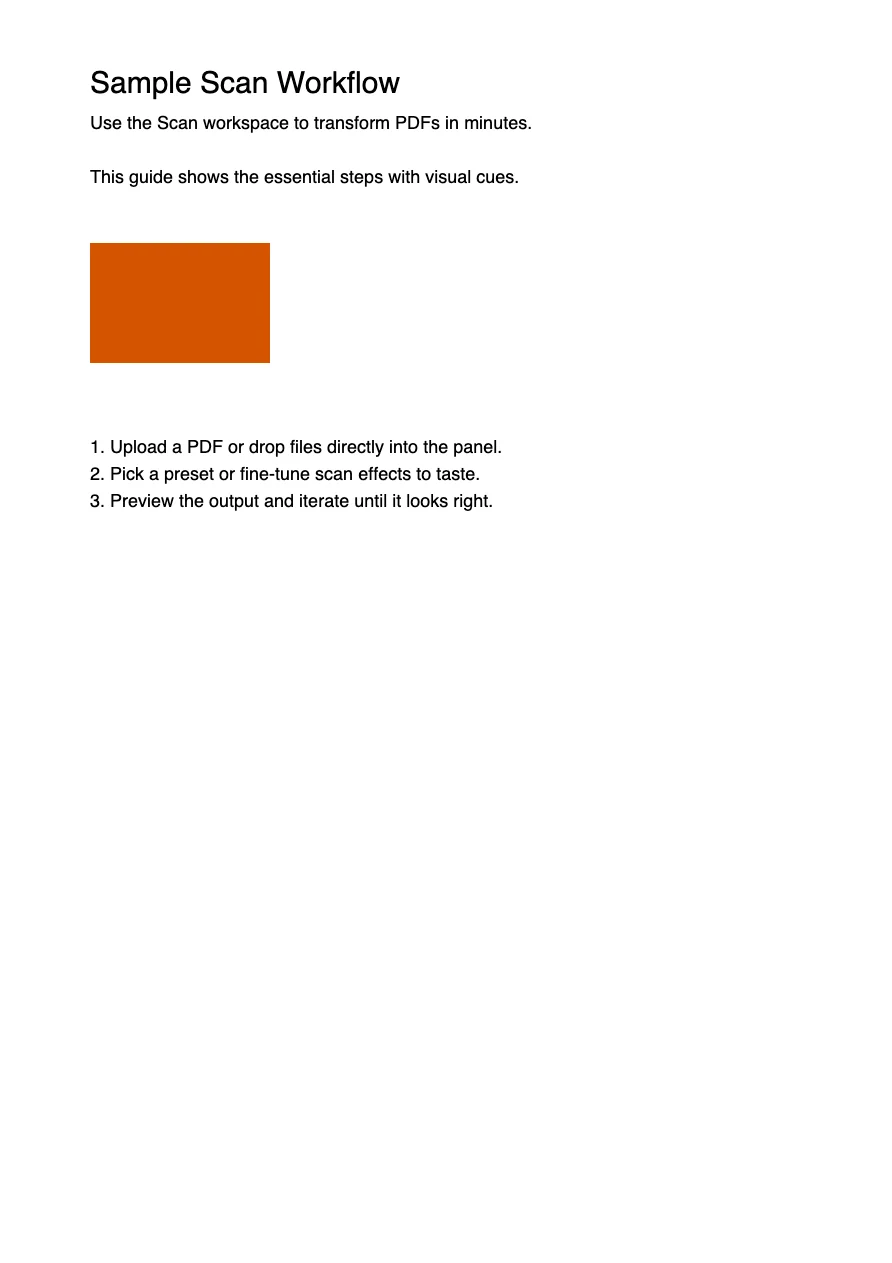
Prefer a walkthrough? Jump to the PDF scanning tutorial
Powerful PDF Scanning Features
Everything you need to create realistic scanned documents, with privacy and speed at the core.
Privacy First
Your data stays on your device. We don't store any of your files. Everything is processed locally in your browser, ensuring complete privacy and security.
Lightning Fast
Based on WebAssembly technology, no waiting for your PDF to be scanned. Just click the button and your PDF will be processed in seconds.
Full Customization
Tweak the settings to make your PDF look exactly how you want. Adjust rotation, brightness, contrast, blur, and more. See the preview in real-time - what you see is what you get.
Mobile Friendly
Works perfectly on all devices. Whether you're on desktop, tablet, or smartphone, Scanned Maker provides a seamless experience across all modern browsers.
Offline Capable
Once loaded, Scanned Maker works even without an internet connection. Perfect for when you need to scan documents on the go or in areas with limited connectivity.
Free Online PDF Scanner - Privacy-First & Browser-Based
Scanned Maker is a powerful, privacy-focused web application that transforms your digital PDFs into realistic scanned documents. No more printing and scanning - just upload, customize, and download.
Built on modern web technologies including WebAssembly, all processing happens locally in your browser. Your files never leave your device, ensuring complete privacy and security.
100% Browser-Based
No uploads to servers. Everything happens in your browser using cutting-edge web technologies.
Realistic Scanning Effects
Add rotation, shadows, texture, and imperfections to make your documents look authentically scanned.
Multi-Format Support
Works with PDFs, images (JPG, PNG), and more. Perfect for documents, contracts, forms, and receipts.
How to Scan PDFs Online - 3 Simple Steps
Create professional scanned documents in three simple steps. No technical knowledge required.
Upload Your File
Click the upload button or drag and drop your PDF or image file. Scanned Maker supports PDFs, JPG, PNG, DOCX, Excel, Markdown, HTML, and TXT files. Your file is processed instantly with a preview ready in seconds.
Customize Scanning Effects
Adjust settings like tilt angle, rotation, brightness, contrast, blur, and noise intensity to create an authentic scanned look. Every adjustment is reflected in real-time preview, so you can see exactly what your final document will look like.
Download Your Scanned File
Click "Generate Scanned File" to process your document. Within seconds, your scanned PDF is ready. Click the download button to save it locally. All processing happens on your device - nothing is uploaded to any server.
Pro Tips
- •Use the real-time preview to fine-tune your scanning effects before downloading
- •For multi-page documents, all pages will receive consistent scanning effects
- •Bookmark the page - it works offline once you've visited it the first time
- •Your files are never uploaded - everything processes locally in your browser
Use cases
Make your PDFs look scanned for any workflow
This section surfaces long-tail queries people actually search for—helping crawlers understand that Scanned Maker is the go-to browser-based PDF scanner.
Sign contracts or approval forms
Create “scanned” PDFs for procurement contracts or HR paperwork without touching a printer. Scanned Maker reproduces the slight tilt and paper texture reviewers expect.
make pdf look scanned, scan contract online
Submit school or visa documents
Many embassies and universities ask for scanned statements. Convert DOCX, JPG and PNG files into realistic scanned PDFs that pass application portals.
scanned pdf for visa, online document scanner
Manage receipts and invoices
Finance teams drag batches of photos into the browser and export unified scanned PDFs with consistent noise and watermark styles for audits.
receipt scanner in browser, scan invoice pdf
Publish study notes or portfolios
Add paper grain to handwriting, sketches or coursework to make them feel authentic before sharing with classmates or clients.
scan handwriting online, pdf texture generator
Why Use Our Online PDF Scanner?
The best alternative to traditional scanners and online scanning services.
Total Privacy
Unlike online services that upload your documents to servers, Scanned Maker processes everything locally. Your sensitive documents never leave your computer, ensuring complete confidentiality.
Completely Free
No subscriptions, no hidden fees, no premium tiers. Scanned Maker is 100% free to use with unlimited scans. We believe everyone should have access to quality document tools.
Save Time
No more walking to the printer, scanning physical documents, and dealing with scanner drivers. Create scanned PDFs in seconds from anywhere, on any device.
Works Everywhere
Compatible with all modern browsers on Windows, Mac, Linux, Android, and iOS. Once loaded, it even works offline. No installation or software download required.
Authentic Results
Our advanced scanning algorithms create realistic imperfections, rotations, and textures that make your digital documents look authentically scanned - indistinguishable from real scans.
Ready to Transform Your Documents?
Join thousands of users who trust Scanned Maker for their document scanning needs. No signup required - start scanning in seconds.
Get Started for FreeSocial proof
Trusted by teams who need realistic scanned PDFs
Authentic testimonials reinforce the same keywords—browser-based PDF scanner, make PDF look scanned, instant download—to boost relevance and trust.
★★★★★
“We send hundreds of contracts that must “look scanned”. The browser-based PDF scanner saved us from printing anything—clients get the realistic tilt and stamp texture they expect.”
★★★★★
“I drag DOCX lecture notes into Scanned Maker, tweak the blur, then download scanned PDFs for my students. The landing page tutorial made the process obvious.”
★★★★☆
“Receipt scanner workflows are finally simple. Even offline, we can convert batches of JPG invoices into believable scanned PDFs with matching watermarks.”
★★★★★
“Clients request signed, scanned proofs. I load the tool on the homepage, add a signature overlay and export. No uploads, no waiting, just perfect faux scans.”
Frequently Asked Questions
Everything you need to know about Scanned Maker. Can't find your answer? Feel free to reach out!
Yes! Scanned Maker is completely free with no hidden costs, subscriptions, or premium tiers. You can scan unlimited documents without any restrictions.
Absolutely. All processing happens locally in your browser using WebAssembly. Your files are never uploaded to any server or cloud storage. The documents you scan never leave your device, ensuring complete privacy and security.
Scanned Maker supports a wide variety of formats including PDF, JPG, PNG, DOCX, Excel spreadsheets, Markdown, HTML, and TXT files. You can upload almost any common document format.
No installation required! Scanned Maker is a web application that runs entirely in your browser. Just visit the website and start scanning. It works on all modern browsers including Chrome, Firefox, Safari, and Edge.
Yes! Once you've visited the site, it becomes available offline through Progressive Web App (PWA) technology. You can scan documents even without an internet connection.
Scanned Maker uses advanced algorithms to add authentic scanning imperfections like slight rotations, shadows, texture, noise, and color variations. You can customize these effects with settings for rotation angle, brightness, contrast, blur, and more.
File size and page limits depend on your device's available memory. Most modern devices can easily handle documents with dozens of pages. All processing happens in your browser, so performance scales with your hardware.
Yes! Scanned Maker is fully responsive and works great on mobile devices including smartphones and tablets. The interface adapts to your screen size for an optimal experience on any device.
Scanned Maker stands out for its privacy (100% local processing), speed (WebAssembly-powered), customization options (full control over scanning effects), and being completely free. No other tool offers this combination.
Still have questions?
Feel free to reach out to us at [email protected] for any inquiries or assistance.